macOS
macOS 11 or later, Apple silicon and Intel · an app to drag into Applications
Beta 0.25.0 · by invitation
Download
The first public release is in preparation. The test version is handed personally to radio stations, associations and producers: ask for yours and we will email you your personal link.
macOS 11 or later, Apple silicon and Intel · an app to drag into Applications
Beta 0.25.0 · by invitation
Windows 10 and 11, 64-bit
Beta 0.25.0 · by invitation
Ubuntu 22.04, Debian 12 or later, 64-bit · menu entry included
Beta 0.25.0 · by invitation
First launch
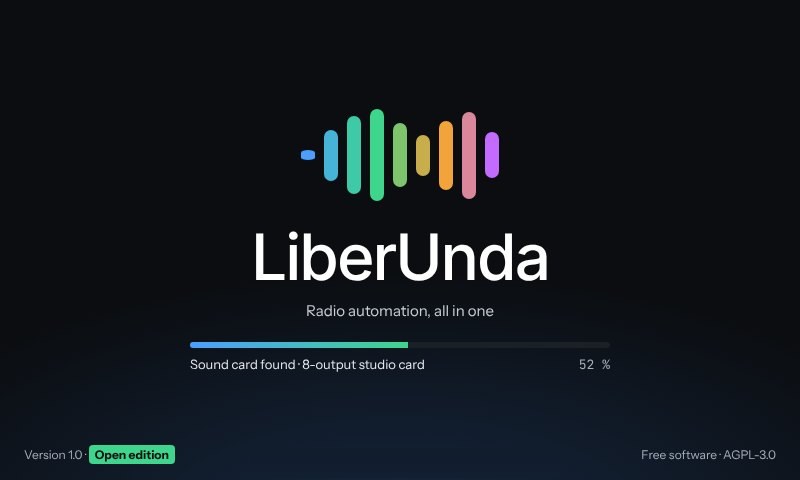
The first-run assistant finds your sound card, asks for your music and starts playing with crossfades. Clocks, schedule and streaming can wait until you are ready.
During the beta, LiberUnda is not yet signed by Apple or Microsoft. Your computer therefore shows a warning the first time you open it: this is expected, and it happens only once. Version 1.0 will be signed.
Mac (macOS 15 and later): 1. drag LiberUnda into Applications and double-click it; the Mac refuses: click Done or OK. 2. Open System Settings › Privacy & Security, scroll down and click Open Anyway. 3. Open LiberUnda again and confirm with Open Anyway and your password. On macOS 14 or earlier: right-click LiberUnda › Open › Open.
Windows: on the blue “Windows protected your PC” screen, click More info, then Run anyway.
| Minimum | Recommended | |
|---|---|---|
| Memory | 8 GB | 16 GB |
| Synthetic voice (LiberUnda Voice) | about 3 GB of that memory, and 1.5 GB of disk | — |
| Creating voices from a description (optional) | 16 GB of memory and 5 GB of disk; not offered below | 24 GB of memory |
| Disk | 2 GB for the program and the voices, plus your music | an SSD |
| Sound | the computer’s sound card | a second sound card or outputs 3–4 for headphones |
The voices on air need no graphics card. Creating new voices is an option offered at installation; without it, the station keeps the voices supplied with LiberUnda.
The publisher provides security fixes for LiberUnda version 1.x until at least 31 December 2032, and in any case for at least twenty-four months from the date of purchase. Every fix is published with an advisory on the security advisories page; LiberUnda never checks for updates online, so look there from time to time — the program also reminds you when your version is more than a year old.
LiberUnda is free of charge and comes with its own licence agreement, shown when you install it: you may use it freely, on as many machines as you like, but not modify, decompile or resell it — except where the law allows it, and except for the third-party components listed in THIRD-PARTY-NOTICES, which remain governed by their own licences, including any right to modify or reverse-engineer them. Each release comes with the licence texts of the third-party components it uses (THIRD-PARTY-NOTICES). To the extent permitted by law, LiberUnda is provided without any warranty.